Deliver your content anywhere, without the logistics.
For conference organizers, customer enablement teams, and universities. Participants open a browser and their workstation is ready with your software. Instructors see every screen, and Replay and translation keep people on track.

Everything a hands-on session needs, except your curriculum.
Cohorts of up to 100 participants; tell us if you need more. You choose what is recorded and how long participants keep access to Replay and their workstations.
-
Easy onboarding
Participants join in a browser, with nothing to install. Speech and chat are translated into each participant's language.
-
Software ready
Configure your software and data once; every participant's workstation is ready before the session starts.
-
Live assistance
Instructors scan every screen to gauge progress, quietly spot who needs help, and take control to help.
-
Shared resources
Files and materials stay in the event between sessions, so everyone works from the same place.
-
Session continuity
Participants catch up on a missed step with Replay during the session, and come back later to do the exercise themselves.
-
Little on-site IT
A laptop, a browser, and a reliable connection, in the hall, the auditorium, or at home.
A hands-on workshop at NVIDIA GTC 2026.
NVIDIA invited UME.Studio to run a hands-on workshop at GTC 2026. We designed the OpenUSD for Robotics Pipelines curriculum and delivered it live on our platform to an audience of 80. That session was UME-led; at your own events, your curriculum and instructors lead.
For conference organizers, the hard part of a hands-on session is the setup: every laptop in the room is different and there is no time to install software. On UME.Studio, attendees open a browser and their workstation is already configured.
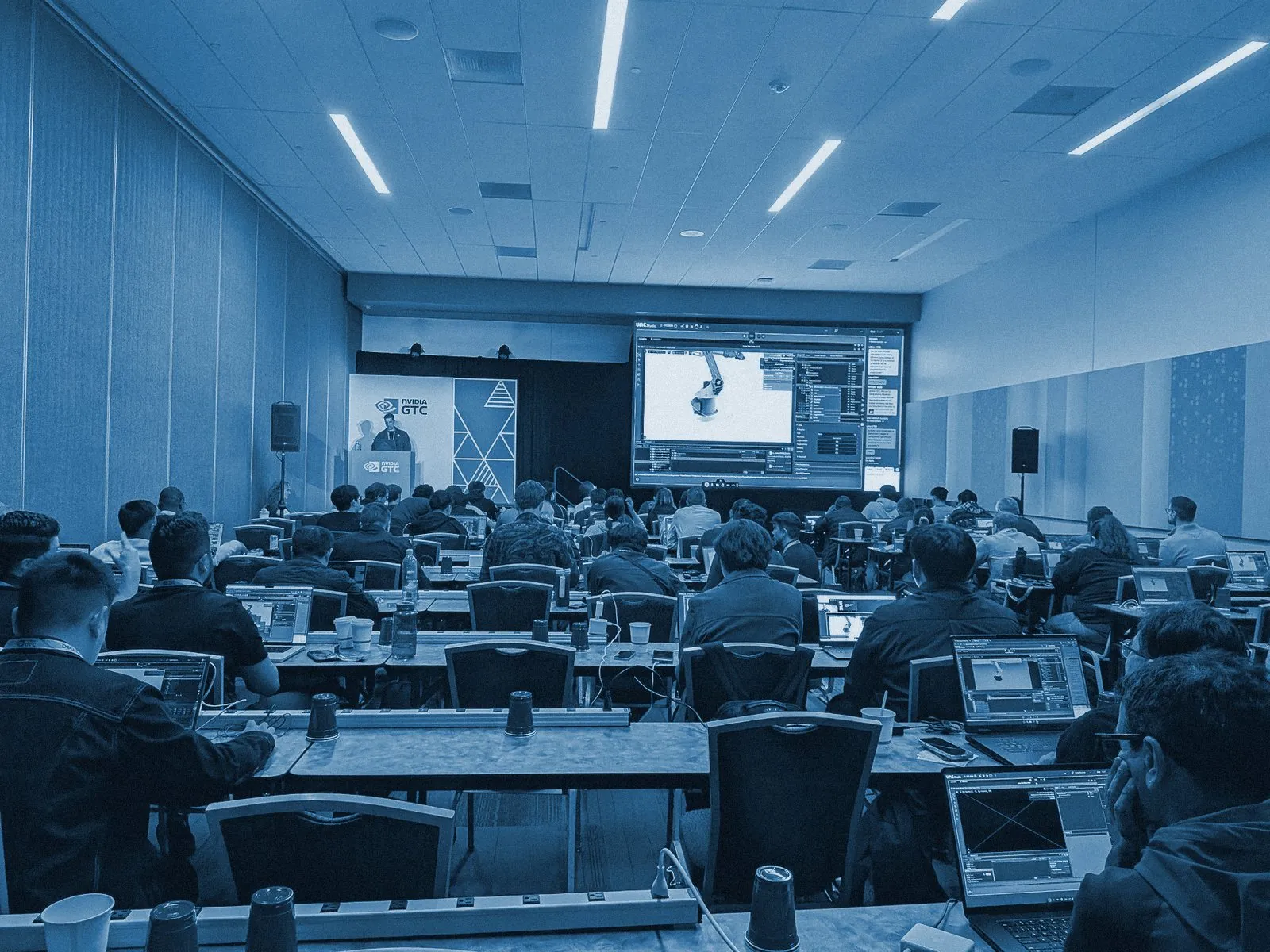
80attendees
In the room for our NVIDIA GTC 2026 workshop
100seats
Workstation capacity we support in a single live event
0installs
Nothing to set up on participant laptops
Your instructors, ready to use every capability.
You configure the workstations with your software and data. We onboard your instructors, so they make full use of the platform: the instructor view, Replay, the UME agent, and translation.
How Replay and the UME agent work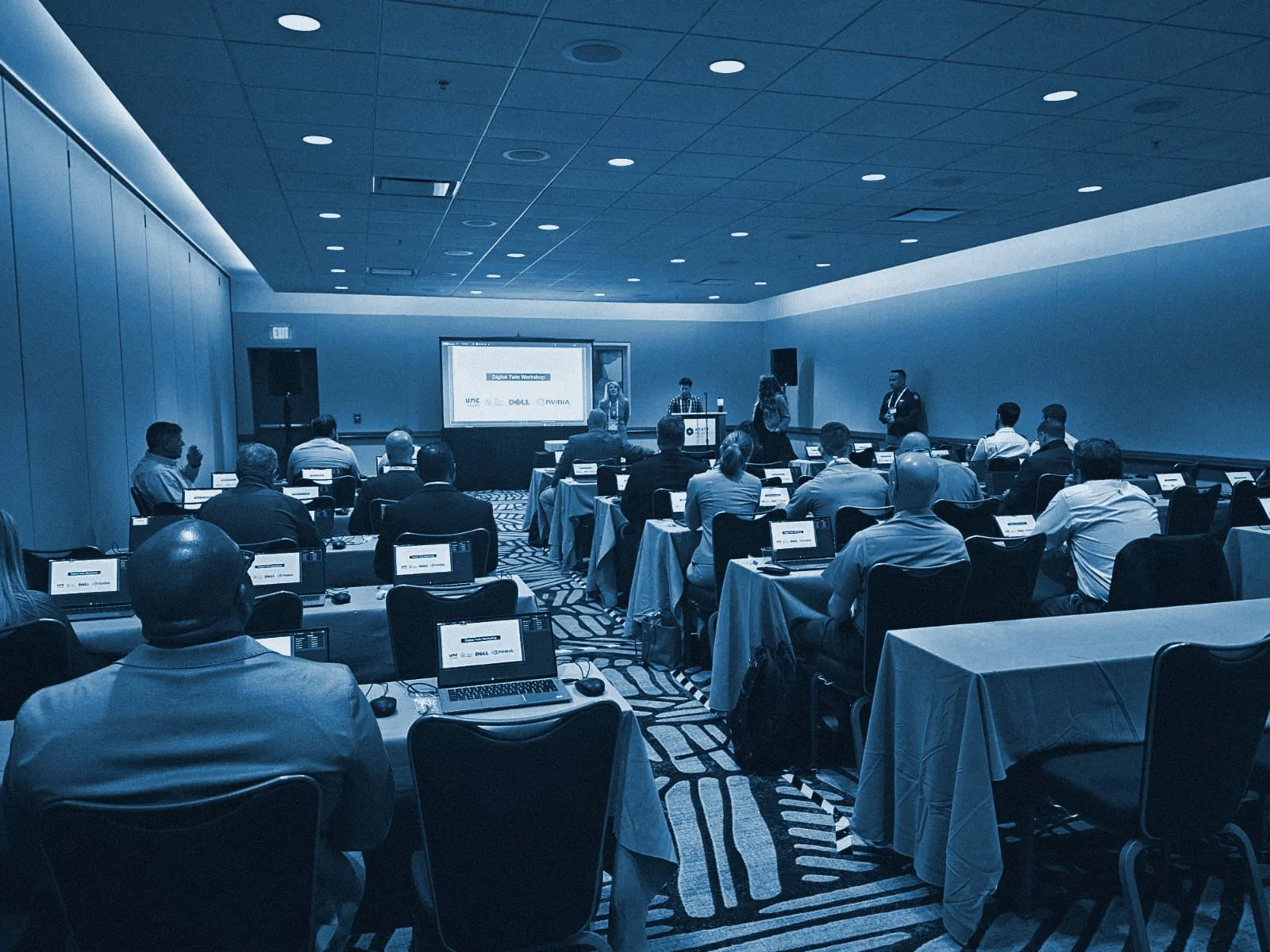
Customers learn your product without IT setup or delays.
Customers need your software running before they can learn it. Give each one a prepared workspace for demos, training, and evaluation.

Micro-credentials, with the equipment included.
Many universities now offer micro-credentials, but providing the computing that AI coursework needs is the hard part. Everyone who enrolls gets accelerated computing in the browser, securely, for the length of the program.
Your institution provides the curriculum and instructors. Before the course starts, we set up the workstations, licensing, support, and data handling, and connect it to your learning management system. You decide how long students keep access, and they review sessions in Replay between classes.
Students follow lectures and chat in their own language, and practice in their workstation between classes.
- Bootcamps
- Semester courses
- Connects to your LMS

Run your next program on UME.Studio.
Tell us about your event, your customer training, or your micro-credential program.