
Build mission capability with simulation refined by reality.
Multidisciplinary defense teams learn, build, and evaluate simulation workflows together in UME.Studio, then keep refining them as real-world observations come in, for planning, logistics, and operational decisions.
- Readiness
- TRL 9 for the hosted platform.
- Export control
- Not ITAR-controlled.
- Authorization
- None today; sovereign under your own accreditation.
- Deployment
- Hosted outside your network, or on your own infrastructure.
- Assurance
- SOC 2 Type II report for the hosted product.
Simulated environments let teams test plans, logistics, and readiness before committing people and equipment. Real-world observations keep refining them as conditions change.
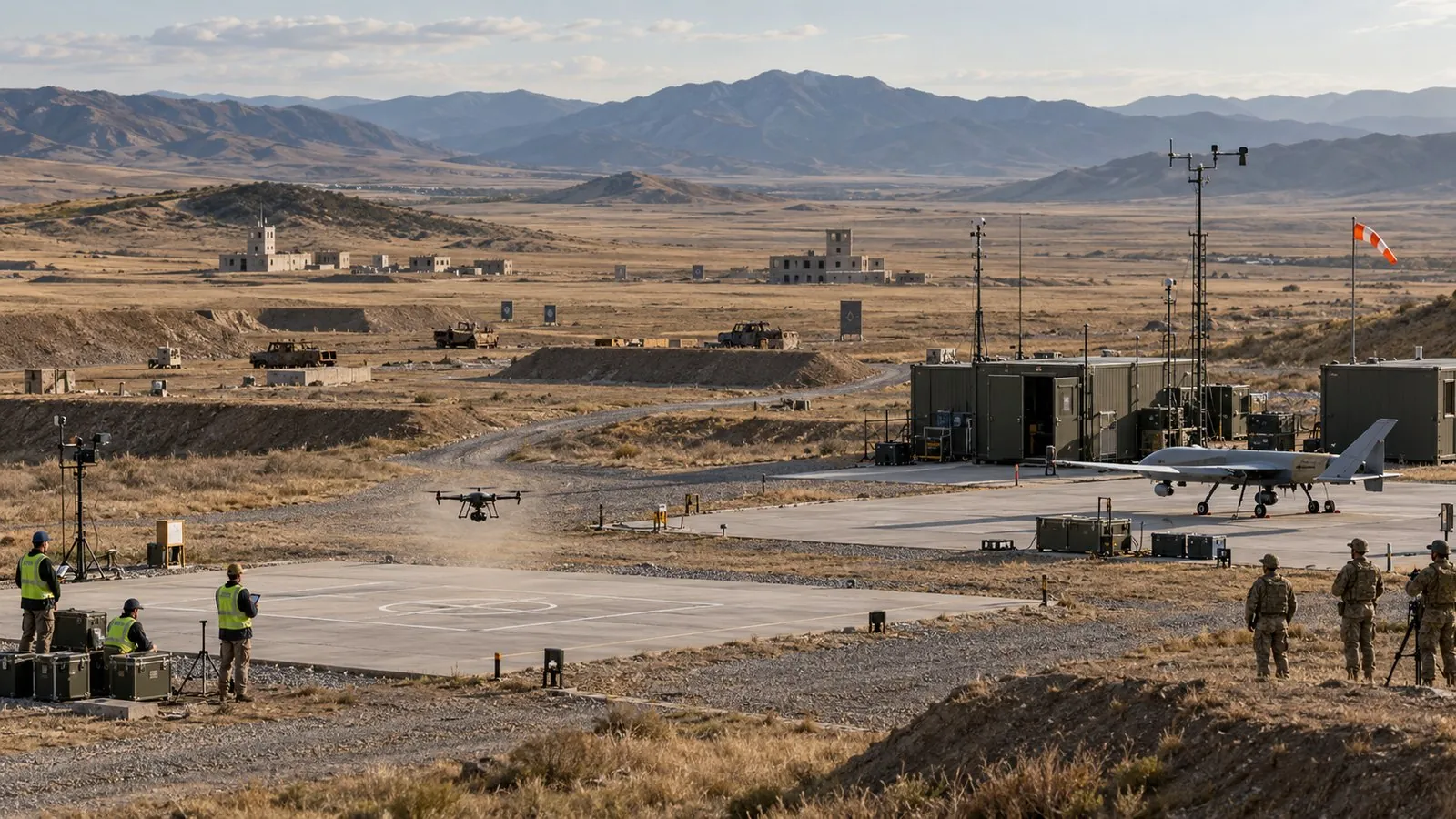
From simulation to reality, and back again.
- 01 · MotorSimulation starts with one part: the motor.
- 02 · DroneThen the airframe built around it.
- 03 · AutonomyThen the autonomy software that flies it.
- 04 · Synthetic rangeThe digital twin flies a realistic range in simulation.
- 05 · Real rangeSim2Real: evaluate simulation-informed capabilities on real systems under appropriate test conditions.
- 06 · FeedbackReal2Sim: field data updates the twin. Each loop starts closer to reality.
Sim-to-real gapContinuous refinement
Conceptual workflow. The I/ITSEC workshop covered building and evaluating the simulation environment; real-world deployment and feedback illustrate how the loop can continue.
Where the drone scenario comes from.
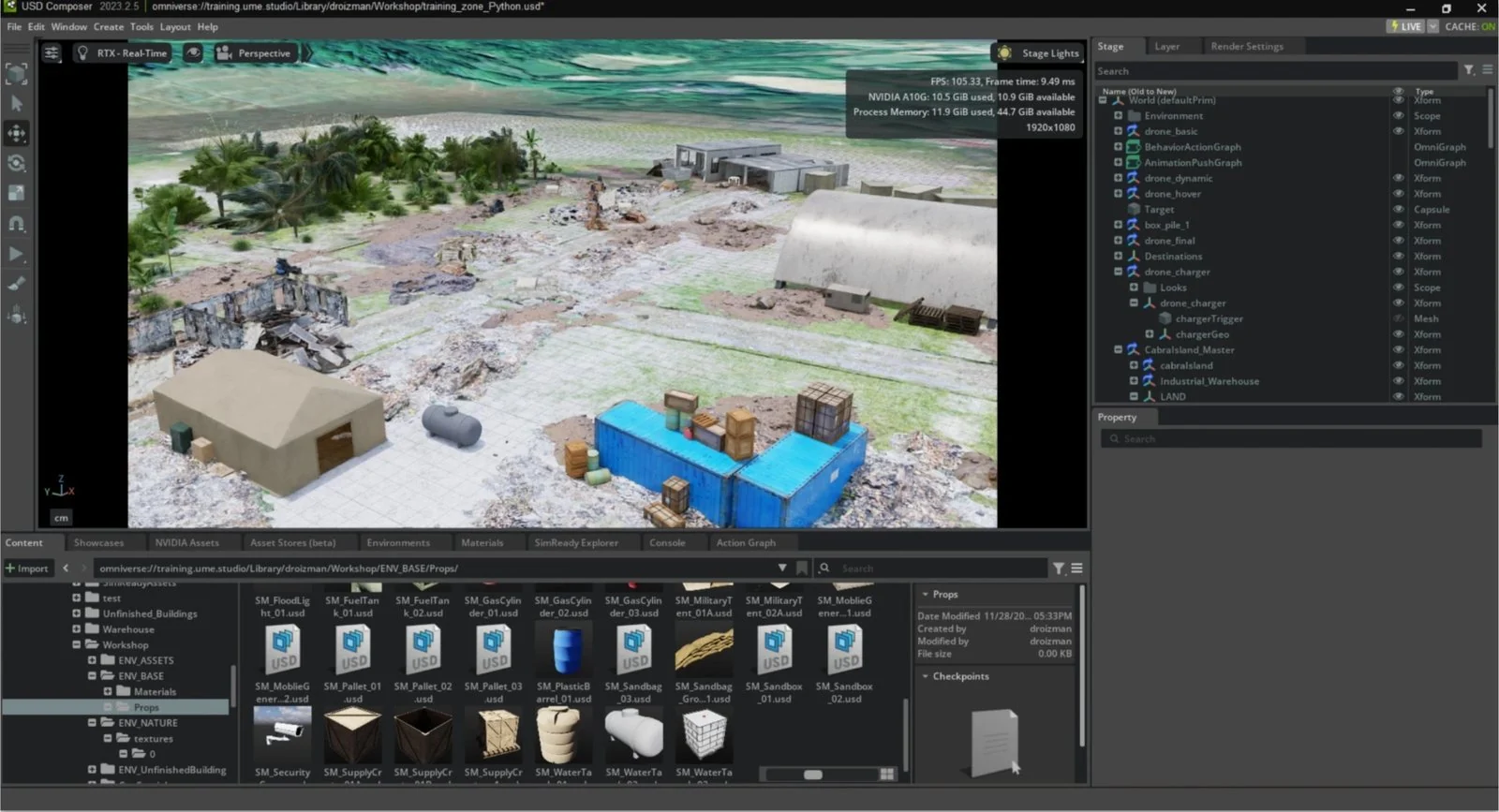
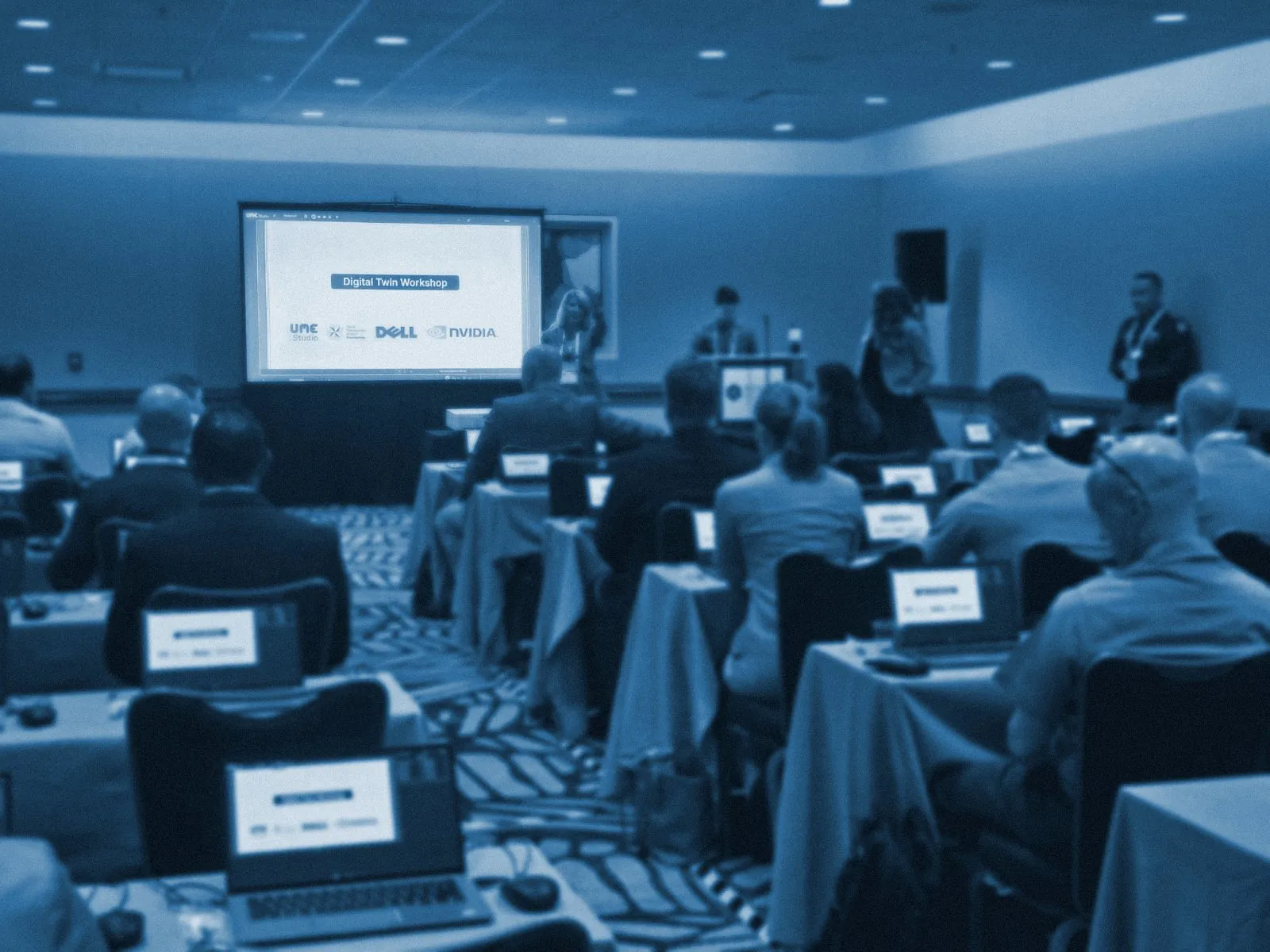
At the I/ITSEC 2024 Digital Twin Workshop, UME.Studio worked with Naval Postgraduate School PhDs to develop a humanitarian assistance and disaster relief (HADR) simulation scenario, then delivered the workshop in UME.Studio to members of all branches of the military.
The drone training zone on this page comes from that workshop material. The workshop covered the simulation side of the loop: building the environment and evaluating in it. The real-range and feedback steps show where the same loop goes next.
Sponsored by the Naval Postgraduate School Foundation, Dell Technologies and UME.Studio.
Where teams learn and build, and narrow the gap between simulation and reality with each loop.
-
Disciplines working apart
TodayEngineers, AI specialists and operators in separate tools and rooms.
With UME.StudioOne shared workspace to build and review the same simulation.
-
Missed instructions during an exercise
TodayA participant who misses a step waits for the instructor to repeat it for everyone.
With UME.StudioParticipants revisit the missed step in Replay without stopping the exercise.
-
Security review blocks access
TodayMonths of review before anyone starts.
With UME.StudioAccelerated workstations in an isolated sandbox, streamed to a browser.
-
Experts pulled off mission work
TodayYour best engineers stop mission work to teach colleagues, one at a time.
With UME.StudioUME instructors run the training, so your experts stay on mission work.
What defense programs ask.
No. UME.Studio is the collaboration, training and compute environment your teams work in. Your simulation software runs on its workstations: you install and license it, and our team helps open ports and configure license servers as needed.
UME.Studio supports customer-controlled deployment. Where your policies permit, teams can begin in a hosted sandbox while your IT team prepares it; otherwise, training begins in the approved environment. Deployment requirements, data flows, and external dependencies are agreed during technical scoping.
UME.Studio operates security for the hosted platform, which is covered by a SOC 2 Type II report. In a sovereign deployment, your team runs the platform on your own infrastructure and controls its security and operations.
We focus the program on your use cases and agree on the schedule and participant commitment during scoping. UME instructors deliver the training, and your internal specialists contribute the operational context and project input we agree on.
Every program is a custom curriculum built around your workflows, with a capstone project tied to your implementation priorities.
Start the conversation.
Tell us about your use case and where it needs to be deployed.